SeaSmart Free
Core local tools.
Track your work, dates, documents, reminders, and useful places with free-tier limits.
 SeaSmart
Download free
For yacht operators & companies
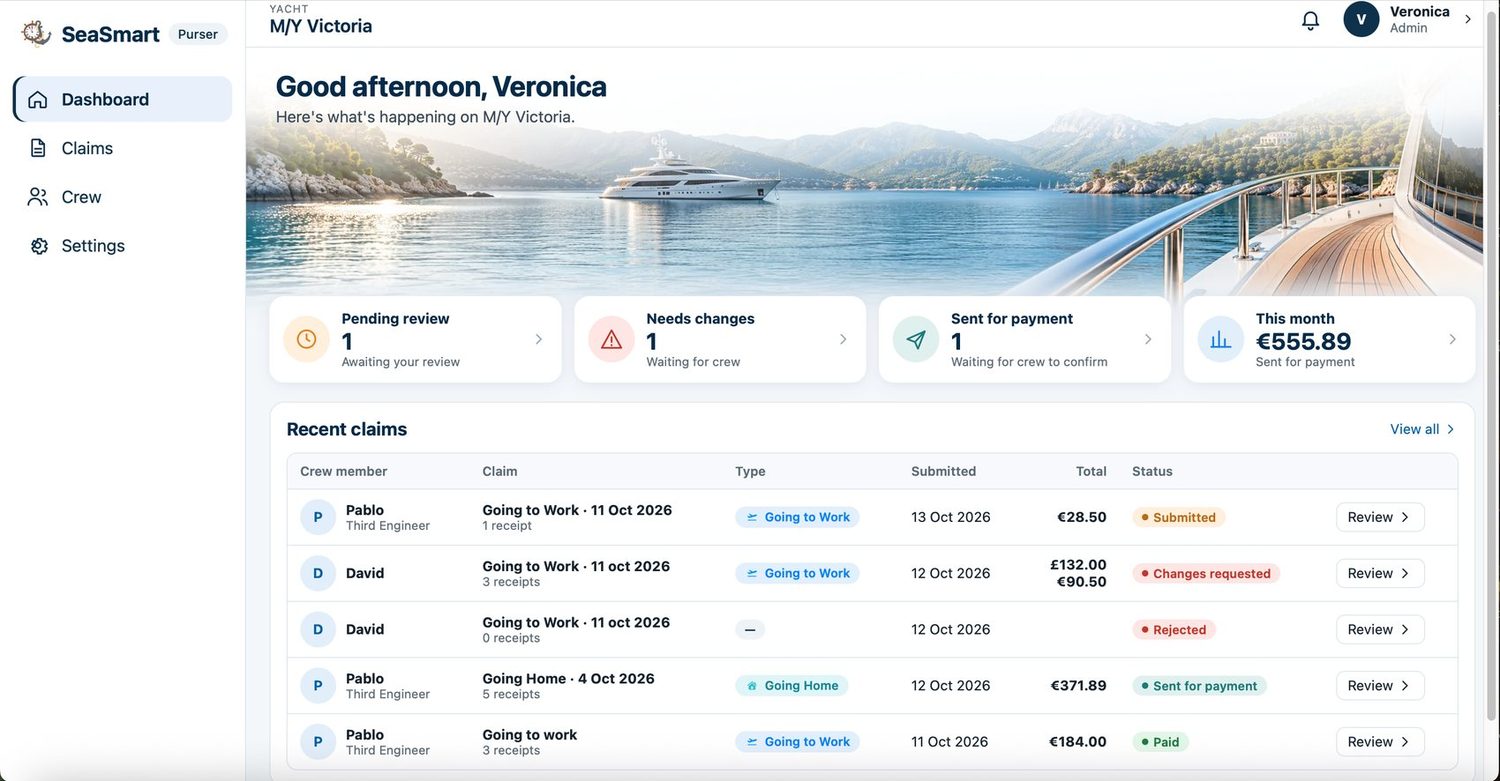
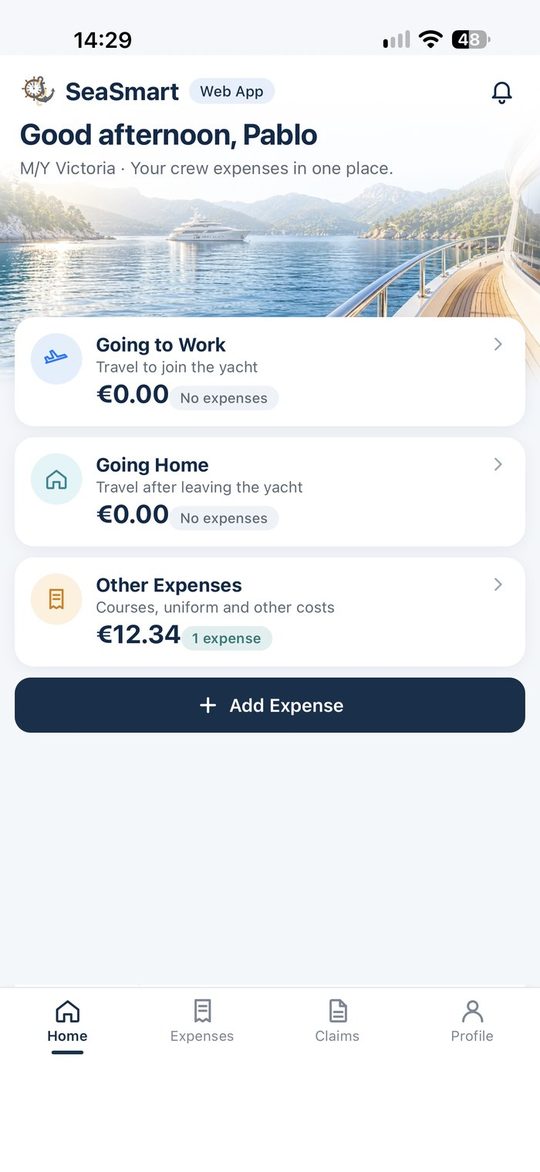
Crew send receipts from any phone—Android or iPhone, nothing to install. The purser reviews, sets reimbursed values in the yacht's currency and exports Excel + PDF for accounts from one dashboard.
Business pricing: €4.99 per active crew member a month, or €49.99 a year. Pursers and admins are free. The personal SeaSmart iPhone app remains free to download.
Crew Expenses · New in SeaSmart 3.2
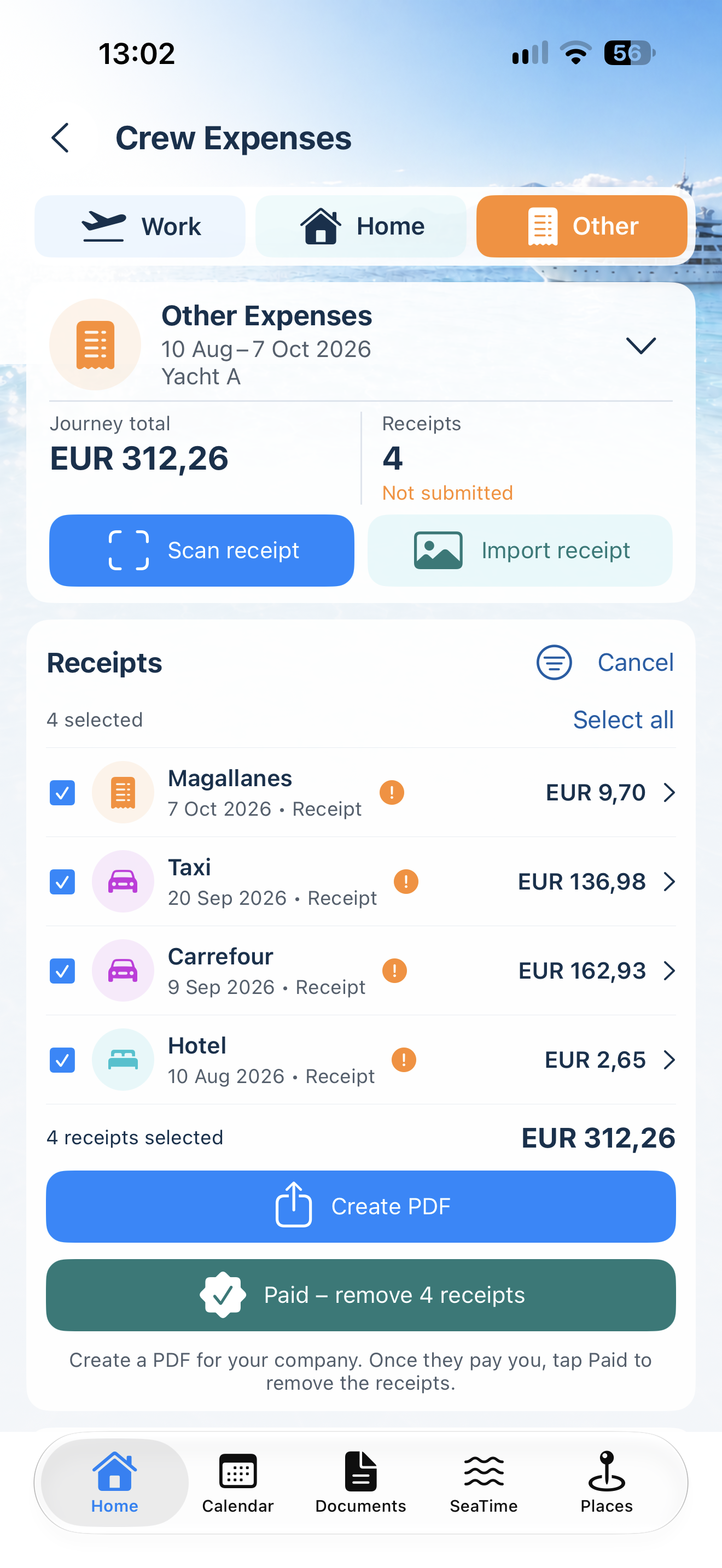
Keep Going to Work, Going Home, and Other Expenses separate. SeaSmart turns checked receipt details into a professional report without uploading your receipts.
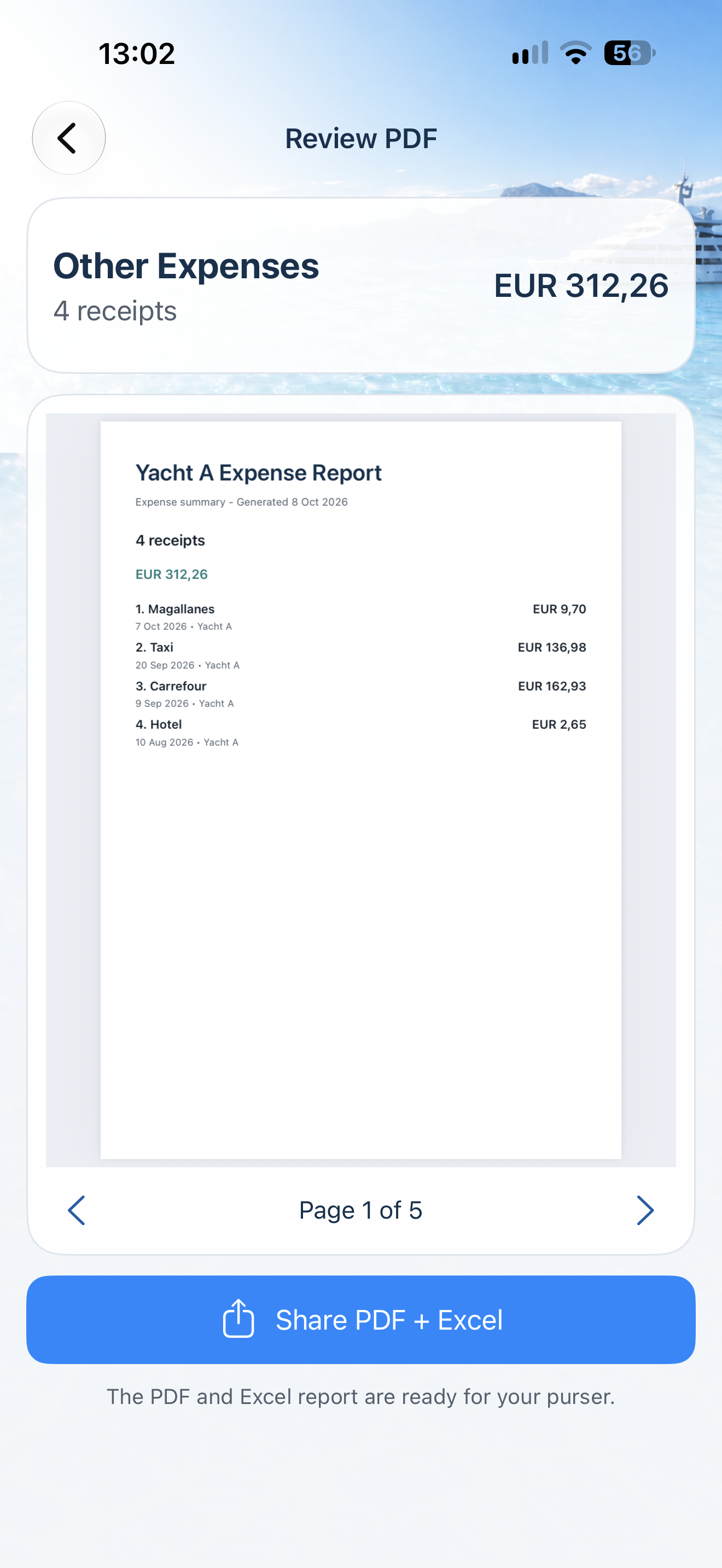
Apple Vision suggests the merchant, date, amount, and currency. You check and edit every field before saving.
Use Going to Work, Going Home, or Other Expenses. The selected trip or profile fills in the vessel name automatically.
Create matching reports with receipt details and a separate total for every currency.
Apple Mail marks receipts submitted when the message is queued. After reimbursement, Paid removes the selected receipts after confirmation.
Private by design. Receipt details, images, and generated reports stay on your device until you choose to share them.
Running a yacht? SeaSmart for yachts & companies: crew send receipts from any phone, the purser reviews and exports for accounts.Free download
Download SeaSmart at no cost and use every core area: Crew Expenses, SeaTime, Calendar, Documents, Reminders, and Places. Upgrade when you need unlimited records and supported cloud backup.
One practical toolkit
Expenses, sea service, certificates, reminders, days abroad, and useful locations stay organised in one clear iPhone app.
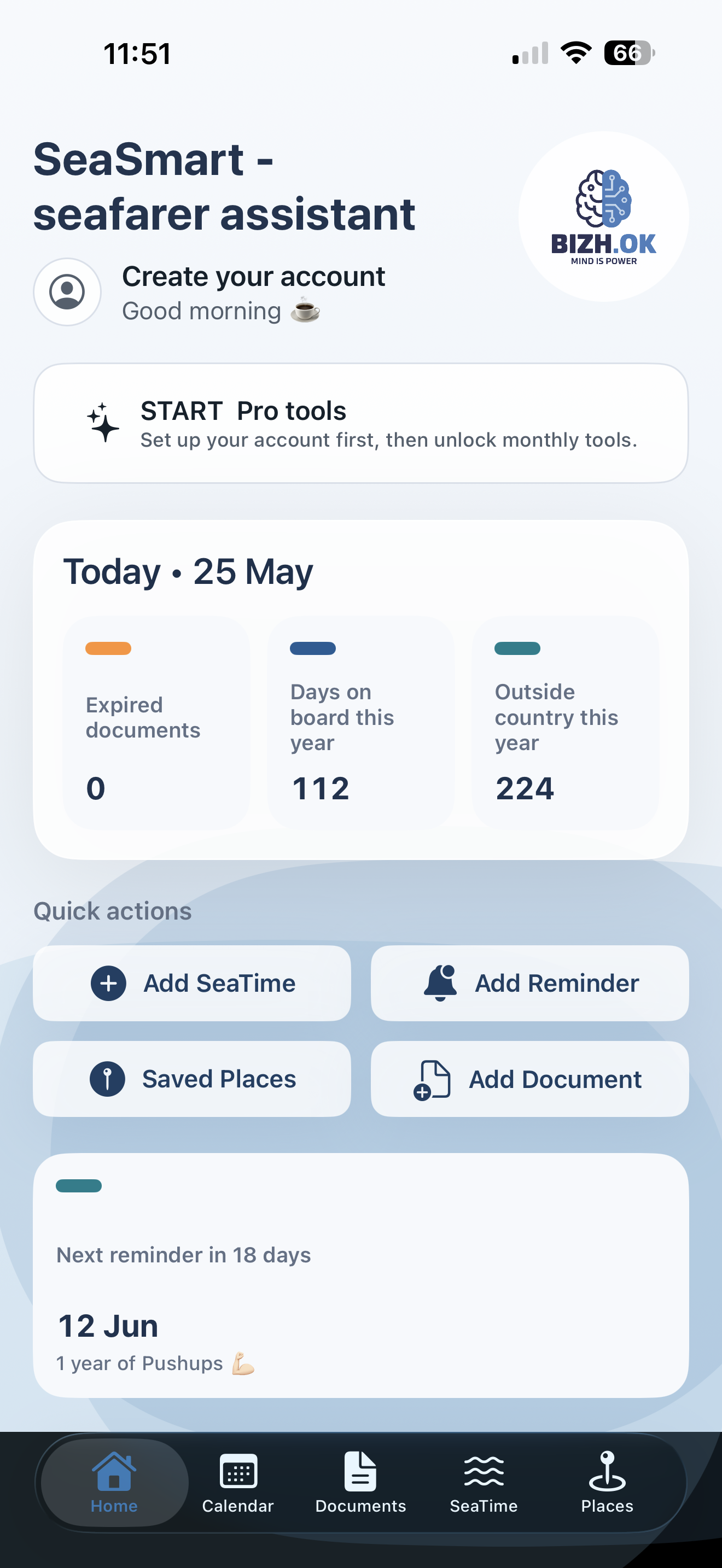
Home
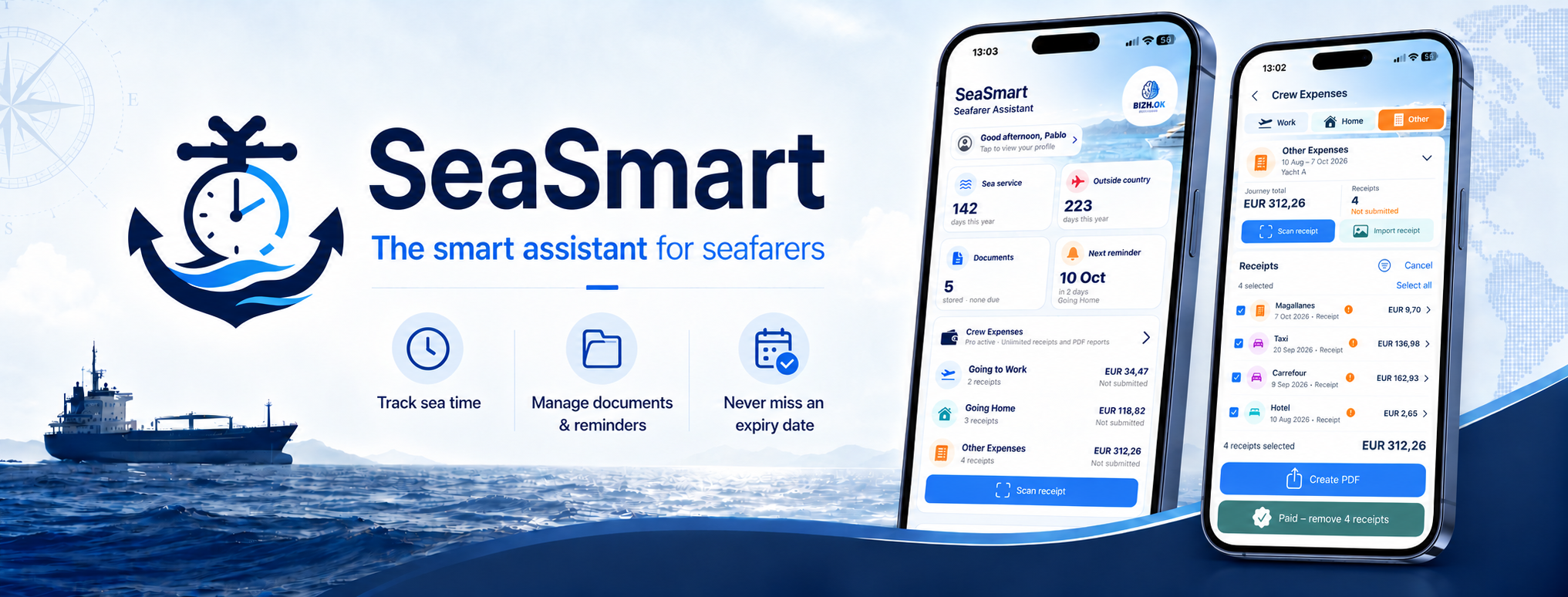
See sea service, days outside your country, stored documents, your next reminder, and every active expense trip. Scan a receipt or add a record without hunting through menus.
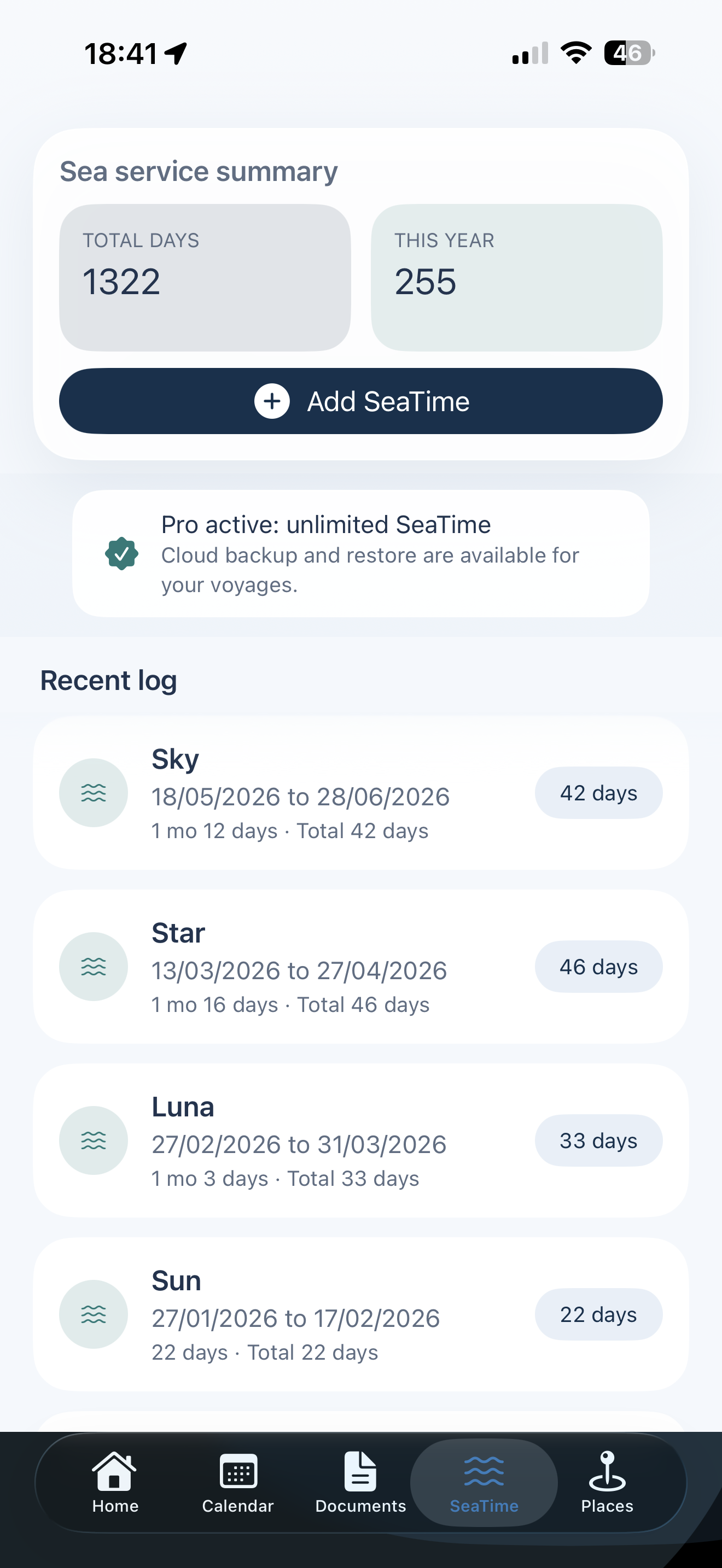
SeaTime
Record the vessel and contract dates, then let SeaSmart calculate the time on board. The current screen keeps recent voyages, this year, and your complete sea-service total easy to review.
Enter the vessel and contract dates.
See the total time on board immediately.
Review or edit saved voyages, with supported cloud backup available through Pro.
Calendar
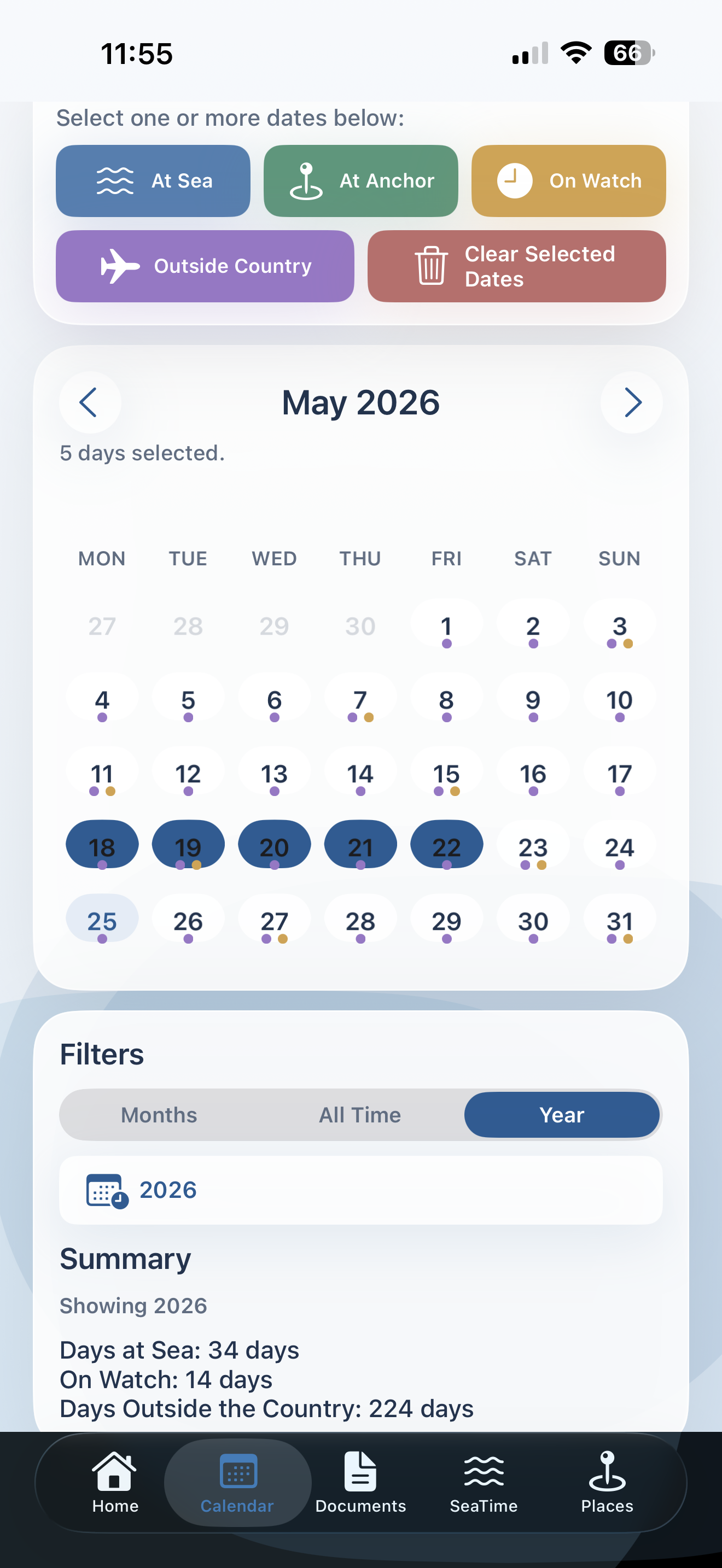
Select individual dates or a continuous range, then mark days at sea, at anchor, on watch, or outside your country. Month, year, and all-time summaries add the saved days for you.
Documents and reminders
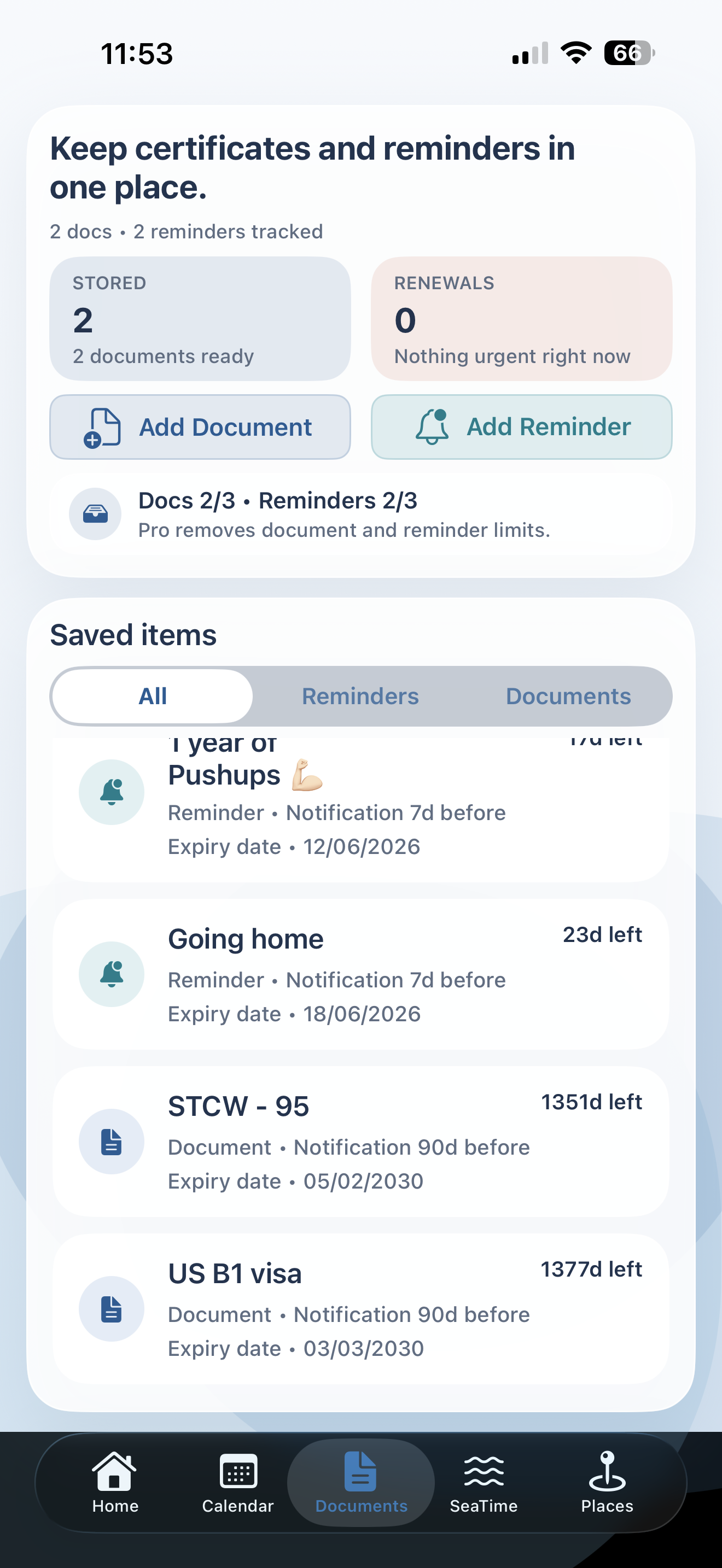
Keep certificates, visas, files, and reminders together. Every item shows the exact time left until expiry, while local notifications warn you at the interval you choose.
Saved places
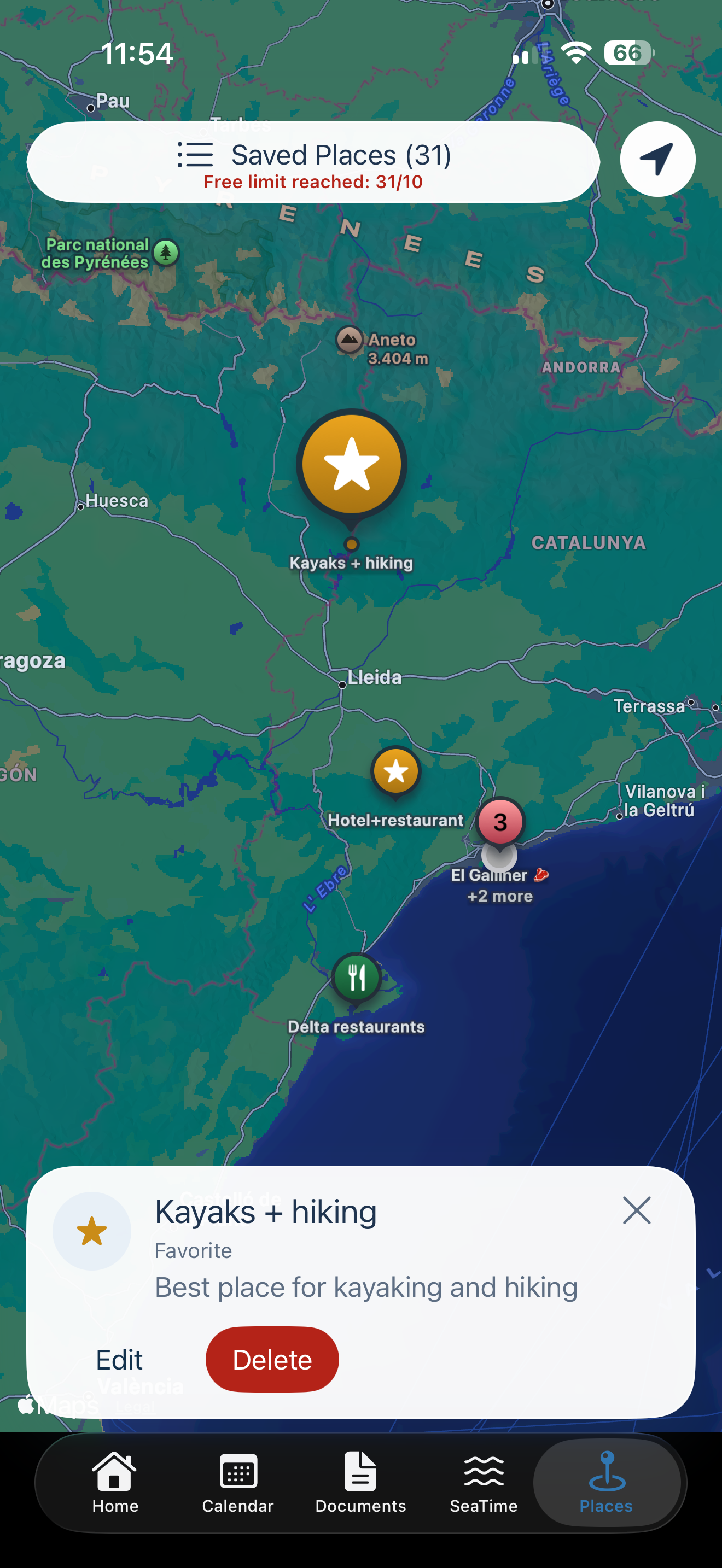
Save ports, agencies, offices, restaurants, and other locations with Apple Maps. Add a category and note so the right place is easy to find later.
SeaSmart Pro
Pro removes the record limits across Crew Expenses, SeaTime, documents, reminders, and saved places. It also unlocks unlimited expense reports and supported SeaTime cloud backup and restore.
Your App Store shows the current local subscription price before purchase. Cancel anytime in your Apple subscription settings.
Included with Pro
SeaSmart Free
Track your work, dates, documents, reminders, and useful places with free-tier limits.
SeaSmart Pro
Keep adding records and back up supported SeaTime data to your optional SeaSmart account.
Crew Rewards
Share SeaSmart with another seafarer. Your friend receives 30 days of SeaSmart Pro, and you earn 30 days after they become a paying Pro member and remain active for 7 days.
Rewards accumulate. Sign in with Apple is required for Crew Rewards. Eligibility and one-invite-per-new-customer rules apply.
How it works
Connect Sign in with Apple to receive your personal invite code, link, and QR code.
Your friend enters the invite code before starting SeaSmart Pro.
Your friend receives the 30-day offer. Your 30-day reward is added after paid membership is verified.
Your information
Core records work without an account. Sign in with Apple is optional and is used for your profile and supported cloud backup features.
Read the SeaSmart Privacy Policy
Free on the App Store
Download SeaSmart and start with the tools you need today.
App Store